
Best cordless steam irons
Compare three cordless steam irons by dock, temperature controls and reheating routine, including a model that can also be used corded.
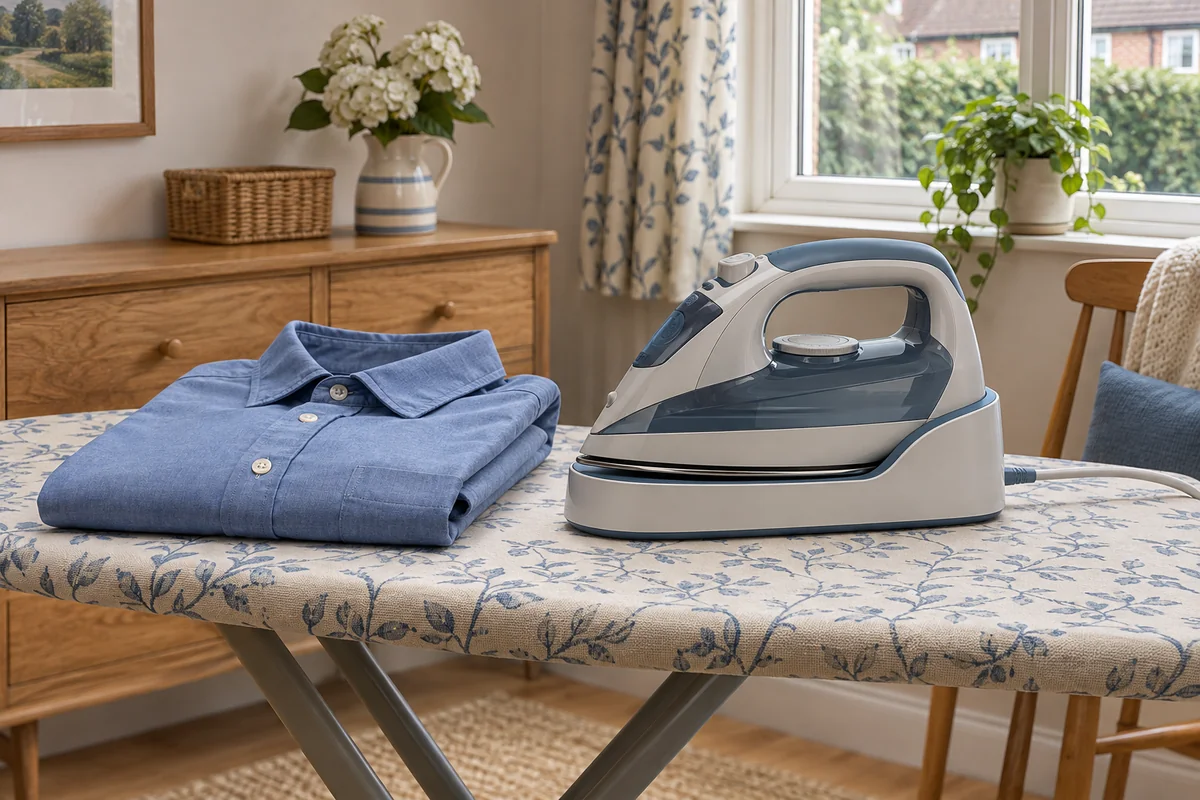
Choose by how you work between passes
Russell Hobbs 26020 suits short passes and simple heat controls. Tower CeraGlide T22008 can switch between corded and cordless work. Morphy Richards EasyCharge 360 303250 has a manual temperature dial and docks upright from different angles. Each base needs a mains socket and a stable place to sit.
Russell Hobbs One Temperature Cordless
26020
Short presses and a simple heat setup.
View on AmazonTower CeraGlide
T22008
Cordless manoeuvring with a corded option for longer work.
View on AmazonMorphy Richards EasyCharge 360
303250
An adjustable heat setting and frequent upright docking.
View on AmazonSpecifications at a glance
Scroll sideways to compare all models.
| Specification | Russell Hobbs One Temperature Cordless 26020 | Tower CeraGlide T22008 | Morphy Richards EasyCharge 360 303250 |
|---|---|---|---|
| How it works | Cordless handpiece | Corded or cordless | Cordless handpiece |
| Temperature and steam controls | One temperature, separate steam control | Temperature dial and steam control | Temperature dial and steam switch |
| Reheating routine | Reheat light and audible cue | Dock between cordless passes | Upright dock, return during repositioning |
| Rated power | 2600 W rated | Up to 2400 W | 2400 W rated |
Model-specific manufacturer instructions. Reheating times depend on the maker’s stated conditions, fabric settings and use.
Start with the pauses you already take
A cordless steam iron gives your ironing hand more freedom. The mains cable stays with the dock, so it cannot drag across a shirt or catch the board as you turn the iron. The trade-off is returning the iron to the base regularly. Steam and heat depend on the soleplate staying warm enough between trips.
Think about what you iron most often. If you do a shirt in sections, the time spent moving from a cuff to a sleeve is a natural opportunity to dock. If you iron a duvet cover with repeated long strokes, breaks for reheating may interrupt the work. A model that also operates corded gives you a way to handle both. For an overview of the two main corded formats, see steam generators and conventional steam irons.
Russell Hobbs One Temperature 26020 for short, simple passes
The 26020 has a single temperature designed for ironable fabrics and a separate steam control. You can switch steam off. That makes the controls straightforward if you prefer to avoid adjusting a temperature dial through a basket. Check the care label before pressing and choose a different appliance if the garment needs a setting this iron cannot offer.
The base gives visual and audible cues for reheating. Russell Hobbs quotes a six-second reheat when used between five-to-ten-second ironing intervals. That describes a particular working pattern. It gives you a useful indication if you press, park and reposition frequently. It gives less information about a long, steam-heavy pass over a sheet.
Russell Hobbs One Temperature Cordless 26020
A fixed temperature for ironable fabrics and a dock with visual and audible status cues. The separate steam control can be turned off.
Good for
Short presses and a simple heat setup.
Bear in mind
The maker’s six-second reheat applies to five-to-ten-second ironing intervals. There is no manual temperature dial.
- One temperature
- Steam off setting
- Dock light and sound
- 2600 W rated
A practical way to use it is to press a small section, dock it and smooth the next section while it reheats. Follow the actual status light and sound. If you frequently need to select a specific temperature for garment finishes, consider a dial model instead.
Tower CeraGlide T22008 for a corded option as well
The purple T22008 can be used with the corded base attached, or detached for cordless use. In cordless mode you still return the iron to the powered base. When you want to switch, use the locking tab as shown in Tower’s instructions. Check the base is securely attached before lifting the combined unit.
Tower lists 35 seconds of cordless use with 15 seconds on the base between passes in its product information. Those figures describe its stated conditions. Follow the iron’s heat indicator in use and return it during natural pauses. The separate temperature and steam controls let you match the garment and switch to a dry setting when required.
Tower CeraGlide T22008
The corded base can stay attached for longer passes or be detached for cordless work. There are separate temperature and steam controls.
Good for
Cordless manoeuvring with a corded option for longer work.
Bear in mind
Tower quotes 35 seconds of cordless use and 15 seconds back on the base. Use the actual heat indication rather than timing every pass.
- Corded or cordless
- 360 ml tank
- Temperature dial
- Up to 2400 W
The corded option makes this model a good fit for a mixed routine. You can use the free-moving handpiece for tight spaces around cuffs or a shirt placket, then work with the cord attached for larger items. In that configuration, route the cable so it stays out of the way as you move from the near end of the board to the far end.
Morphy Richards EasyCharge 360 303250 for an upright dock
The red and black 303250 stands on its heel on the circular charging base. A temperature dial and separate steam switch give you direct control of both. Its manual shows a temperature indicator that changes from red during heating to green once the setting is reached. The instructions recommend letting the indicator cycle between red and green twice for the initial warm-up.
Morphy Richards recommends docking every few seconds or when you adjust the garment. That suits a routine where you already set the iron down to open a seam, smooth a second layer or rotate a sleeve. Check that the base sits level and that you can guide the iron onto it comfortably with your usual ironing hand.
Morphy Richards EasyCharge 360 303250
The iron stands on its heel on a circular dock, with a separate temperature dial and steam switch.
Good for
An adjustable heat setting and frequent upright docking.
Bear in mind
The manual says to dock every few seconds or while adjusting garments. The dock needs its own stable position within reach.
- 360° charging base
- Temperature dial
- Upright dock
- 2400 W rated
The iron is designed around this dock-and-press routine. If you routinely make longer passes and prefer an uninterrupted supply of heat, the Tower’s corded option or a conventional steam iron may better fit the task.
Make space for the base before you buy
Try the position of the dock with the board open at your usual height. Put it within easy reach on a stable support allowed by the manual. Check whether the cord reaches a socket without trailing through a doorway or under the fabric. A shelf large enough for an ordinary iron may need extra depth once you add the base.
If you are left-handed, look at the approach to the dock and the cord’s exit direction. Being able to turn the iron freely is useful only if returning it to the base is easy too. A dock that sits behind the shirt you are moving or right where bedding hangs will interrupt every pass.
Work out if docking fits the way you iron
Try a shirt as a mental walkthrough. You might set the iron down after each cuff, each sleeve and each front panel. If your chosen dock is where you already reach to park the iron, those pauses can also let the soleplate reheat. On a longer piece, you may want the dock at the end where you finish a pass. If you have to reach across the board to return the iron every time, a free-moving handpiece may save less effort than you expect.
Compare the controls and care routine
Heat control matters more than the biggest headline steam figure if you regularly switch between fabric types. See whether you can turn steam off independently and whether you can read the ready signal from your usual standing position. Manufacturer figures for reheat times use different conditions, and steam-boost figures can use different units. Use them to understand each model’s routine. Steam boost, continuous steam and pressure explained.
Read the exact model’s water and self-clean instructions before filling. When steam weakens partway through a pass, return the iron to the base and allow it to reach temperature before changing the setting. If it still spits or marks clothing after heating and correctly filling, stop and check the cause. Iron spitting or leaving marks.
Manufacturer specifications and instructions
Frequently asked questions
Do cordless steam irons run on a battery?
The three models here heat from a mains-powered base and use retained heat while lifted. Return the iron to its base to reheat. The dock still needs a plug and a safe cord route.
How long can I iron before returning a cordless iron to its base?
It depends on the model and use. Steam and longer passes can use up stored heat. Follow the ready indicator and maker’s instructions. Return the iron to its dock during garment changes or when it asks for more heat.
Which cordless steam iron can also be used corded?
The Tower CeraGlide T22008 can be used corded with its base attached or cordless with the base detached. Follow its locking instructions before lifting the assembled unit.
Are cordless irons suitable for bedding?
They can suit pillowcases and short sections if you can dock while moving the fabric. For long, repeated passes with steam, a corded iron or generator may be easier to keep working with. Check the bedding label first.
Why does a cordless iron start dripping?
The soleplate may have cooled or the selected temperature may be too low for the steam setting. Dock the iron and check the instructions for heat, steam and water level. Stop if leaking persists with the correct setup.
Can I use the dock as an ordinary iron rest?
Use it in the position and on the support specified in the manual. Make sure the board or other surface can support the dock and iron securely. A narrow rest designed for a bare iron may be too small for the dock.